Team chat that lives right next to your work
Stop switching between a task app and a separate chat tool. Linia’s built-in messaging keeps direct messages, group conversations, reactions, voice notes and shared files in the same workspace as your tasks and projects.
Direct and group conversations, all in one inbox
Message anyone on your team one-to-one or in group threads. Presence shows who is online, reactions keep quick replies lightweight, and everything stays searchable so context is never lost.
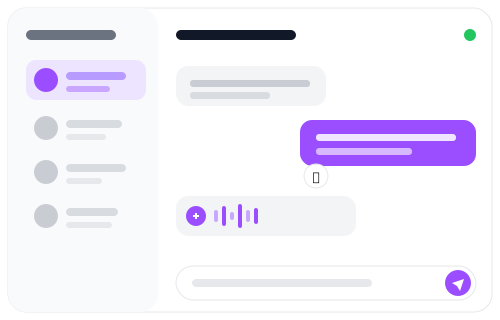
Share more than text
Send images, files and voice notes without leaving the conversation. Drag, drop or paste an image straight into a message — the same media tools that power task updates and resources work here too.

Communication that stays connected to the work
Because chat lives in the same app as tasks, meetings and the dashboard, conversations naturally point back to the work they are about — so decisions don’t get lost in a separate tool your team forgets to check.

What’s inside Linia messaging
A full team chat experience, built in.
Explore more of Linia
Give your team one place to talk and work
Start free and keep communication next to the work it belongs to.