Your team’s work, kept private and secure
Linia is built on trusted cloud infrastructure with authentication, role-based access and encrypted connections. Your workspace is yours — visible only to the people you invite.
Authenticated, permission-aware access
Every session is authenticated, and organization mode enforces roles and permissions so people only see and change what they should. Managers, members and admins each get the right level of access.
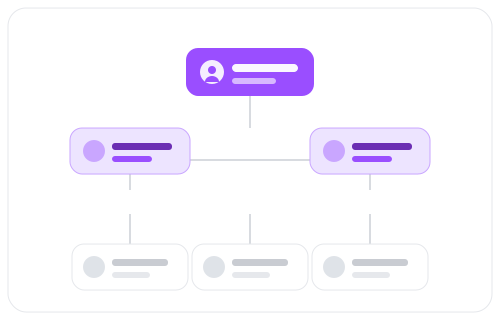
Built on trusted infrastructure
Linia runs on established cloud platforms (Firebase authentication and Firestore, hosted on Vercel) with encrypted connections in transit, so your data sits on infrastructure trusted by teams worldwide rather than something homegrown.
Privacy by default
App pages are private to signed-in users and are never exposed to search engines. Your tasks, messages, notes and approvals stay inside your workspace — not indexed, not public.
Security fundamentals
The essentials, done properly.
Security questions
Who can see my workspace?
Only the people you invite. Access requires authentication, and organization roles control what each member can see and do.
Where is my data stored?
Linia uses Firebase (authentication and Firestore database) with hosting on Vercel — established, widely trusted cloud infrastructure.
Are the app pages public?
No. Signed-in app pages (dashboard, tasks, messages and more) are private and explicitly excluded from search engines.
A workspace your team can trust
Start free, or reach out with any security questions.