Managing a remote team isn’t just managing a co-located team over video calls. Distance removes the casual, ambient information people rely on in an office — who’s busy, what’s blocked, what changed. Great remote managers replace that ambient context with intentional systems. Here’s how.
Make context shared, not siloed
In an office, context leaks naturally. Remotely, it doesn’t — so you have to make it visible. Keep tasks, priorities and progress in one place everyone can see. When the state of the work is public by default, people stop needing to interrupt each other just to find out what’s going on.
Default to clear, written communication
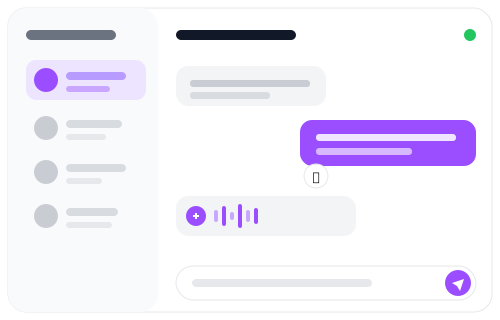
Remote teams live and die by their communication. Favour clear written updates that anyone can read on their own schedule, and keep conversations close to the work they’re about. Reactions, quick voice notes and group threads keep things human without forcing everyone into the same meeting at the same hour.
Trust outcomes, not activity
You can’t watch people work remotely, and you shouldn’t try. Manage to outcomes: clear tasks, clear owners, clear deadlines. When expectations are explicit, you don’t need to monitor activity — you can simply look at what got done.
Respect time zones by working async
If your team spans time zones, treat asynchronous work as the default and live meetings as the exception. Shared calendars, written handoffs and a single source of truth for the work let people contribute on their own clock without falling behind.
Keep the team connected
Isolation is the quiet risk of remote work. Presence indicators, lightweight chat and a shared dashboard help people feel part of something even when they’re alone at their desk. Small, consistent touchpoints beat occasional big ones.
One workspace makes it easier
The more tools a remote team juggles, the more places context can hide. Linia keeps messaging, tasks, calendars and a live dashboard in one workspace, so distributed teams share the same picture no matter where they are. Explore Linia for remote teams or start free.